How to update the software of a Crane Controller via the communication port?
 Language
 Français
 Español
 Árabe
Árabe
 Deutsch
 简体中文
简体中文
 Português
 Русский
 日本語
日本語
 한국어
한국어
 हिंदी
हिंदी
 Prancis
 Türkçe
 Tiếng Việt
 Italiano
 ไทย
ไทย

-
Tel
+86 15275228746
-
WhatsApp/WeChat
8615275228746
Blog
Company intro
10000m 2+ Cover Area QINGDAO TOP RUN INTERNATIONAL TRADE CO., LTD Qingdao Top Run International Trade Co., Ltd. has been a professional and leading supplier of construction machinery spare parts in China for over 15 years. With extensive experience and expertise, we have established strong partnerships with top manufacturers to offer a wide range of genuine and OEM parts for brands such as XCMG, SANY, ZOOMLION, SHANTUI, LIUGONG, and more. 80+ Employees View more Looking for properate products? Contact us
Send Message
How to update the software of a Crane Controller via the communication port?
Dec 19, 2025
View: 264
Hey there! As a supplier of Crane Controllers, I've seen firsthand how important it is to keep your equipment's software up - to - date. In this blog, I'm gonna walk you through the process of updating the software of a Crane Controller via the communication port.
Why Update the Software?
Before we dive into the how - to, let's talk about why you should even bother updating the software in the first place. Updated software can bring a bunch of benefits. It can improve the performance of your crane controller, making it more efficient and reliable. You might get new features that enhance the functionality of your crane, like better safety protocols or more precise control. Plus, software updates often fix bugs that could cause glitches or malfunctions in your equipment.
What You'll Need
To update the software of your Crane Controller via the communication port, you'll need a few things:
- A computer with the necessary software update file. Make sure your computer meets the system requirements for the update.
- A communication cable that's compatible with your Crane Controller's communication port. This cable will establish the connection between your computer and the controller.
- The right permissions to access and modify the controller's software. You might need to have administrative privileges or the appropriate access codes.
Step - by - Step Guide
Step 1: Preparation
First, you gotta back up all the existing data on your Crane Controller. This is super important in case something goes wrong during the update process. You don't want to lose any crucial settings or information. You can use the backup function in the controller's software or follow the manufacturer's instructions for backing up data.
Next, check the compatibility of the software update file with your specific Crane Controller model. Using an incompatible update can cause serious problems, so double - check this before you proceed.
Step 2: Connect the Computer and the Crane Controller
Take your communication cable and connect one end to the communication port on your Crane Controller and the other end to the appropriate port on your computer. Make sure the connections are secure. Some controllers might require you to power off the crane before making the connection, so refer to your user manual.
Step 3: Launch the Update Software
On your computer, open the software that's used for updating the Crane Controller. This software should have been provided by the manufacturer along with the update file. Log in with your credentials if required.
Step 4: Select the Update File
In the update software, locate the option to select the update file. Navigate to the folder where you saved the update file on your computer and choose it. The software will then start to verify the file to make sure it's valid.
Step 5: Start the Update Process
Once the file is verified, click the button to start the update. The software will now transfer the update data to the Crane Controller via the communication port. This process might take some time, depending on the size of the update and the speed of your communication connection.
Step 6: Monitor the Update
While the update is in progress, keep an eye on the software's progress bar. It'll show you how much of the update has been completed. Don't interrupt the process by disconnecting the cable or turning off the power. If there are any error messages during the update, refer to the troubleshooting section in the user manual or contact our support team.
Step 7: Post - Update Checks
After the update is finished, the software will usually prompt you to restart the Crane Controller. Do this and then check if the new software is working correctly. Test all the functions of the controller to make sure everything is running smoothly. You can also check for any new features that were included in the update.
Troubleshooting
Sometimes, things don't go as planned. Here are some common issues you might encounter and how to fix them:
- Connection Problems: If your computer can't establish a connection with the Crane Controller, check the cable connections. Make sure the cable is not damaged and that it's the right type for your controller. You might also need to check the communication settings on your computer and the controller.
- Update Errors: If the update fails, it could be due to a corrupted update file. Try downloading the file again from a reliable source. It could also be a compatibility issue, so double - check the model compatibility.
Related Spare Parts
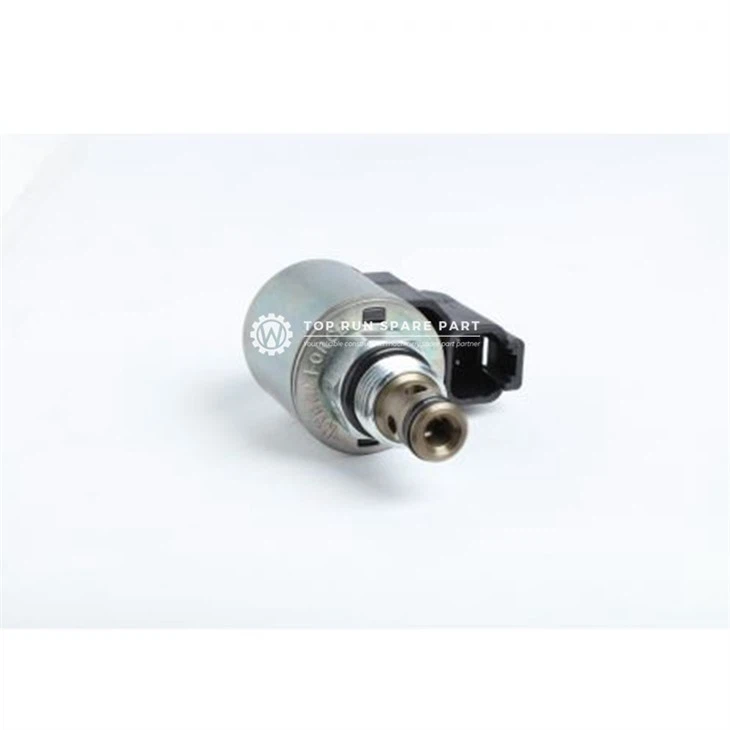
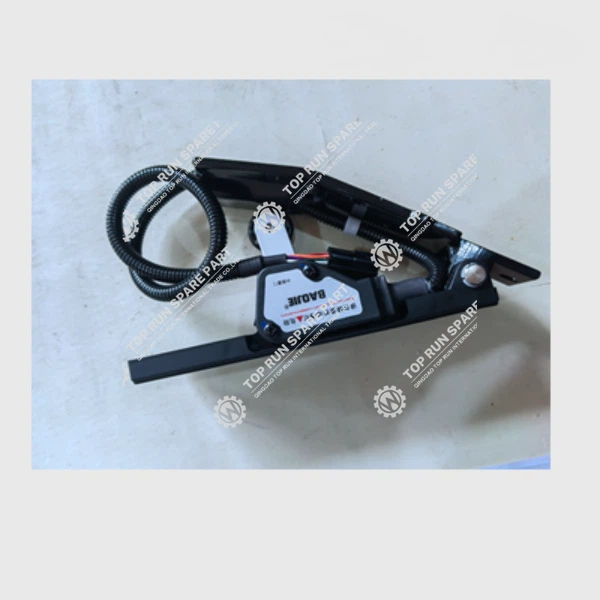
If you're looking for high - quality spare parts for your crane, we've got you covered. We offer a wide range of spare parts like the Balance Valve 60066198, Multi - way Valve 60024962, and Accelerator Pedal. These parts are essential for maintaining the performance and safety of your crane.
Conclusion
Updating the software of your Crane Controller via the communication port might seem a bit daunting at first, but if you follow these steps, you'll be able to do it smoothly. Remember, keeping your software up - to - date is crucial for the optimal performance of your crane.
If you have any questions about the software update process or if you're interested in purchasing Crane Controllers or spare parts, don't hesitate to reach out. We're here to help you make the most of your crane equipment.
References
- Crane Controller User Manual
- Software Update Guide provided by the manufacturer
Categories
QR Code


