How to test the speed sensor in a truck crane gearbox?
 Language
 Français
 Español
 Árabe
Árabe
 Deutsch
 简体中文
简体中文
 Português
 Русский
 日本語
日本語
 한국어
한국어
 हिंदी
हिंदी
 Prancis
 Türkçe
 Tiếng Việt
 Italiano
 ไทย
ไทย

-
Tel
+86 15275228746
-
WhatsApp/WeChat
8615275228746
Blog
Company intro
10000m 2+ Cover Area QINGDAO TOP RUN INTERNATIONAL TRADE CO., LTD Qingdao Top Run International Trade Co., Ltd. has been a professional and leading supplier of construction machinery spare parts in China for over 15 years. With extensive experience and expertise, we have established strong partnerships with top manufacturers to offer a wide range of genuine and OEM parts for brands such as XCMG, SANY, ZOOMLION, SHANTUI, LIUGONG, and more. 80+ Employees View more Looking for properate products? Contact us
Send Message
How to test the speed sensor in a truck crane gearbox?
Aug 27, 2025
View: 210
As a supplier of truck crane gearboxes, I understand the importance of ensuring the proper functioning of all components within these complex systems. One crucial part that often requires attention is the speed sensor in the truck crane gearbox. A malfunctioning speed sensor can lead to a variety of issues, including inaccurate speed readings, improper gear shifting, and even potential safety hazards. In this blog post, I'll share some insights on how to test the speed sensor in a truck crane gearbox.
Understanding the Role of the Speed Sensor
Before diving into the testing process, it's essential to understand what the speed sensor does. In a truck crane gearbox, the speed sensor is responsible for measuring the rotational speed of the gears or shafts. This information is then sent to the crane's control system, which uses it to determine the appropriate gear shifting points, monitor the crane's performance, and ensure safe operation.
Pre - testing Preparations
- Safety First: Always follow safety protocols when working on a truck crane gearbox. Wear appropriate personal protective equipment (PPE), such as gloves and safety glasses. Ensure that the crane is parked on a level surface, the engine is turned off, and the parking brake is engaged.
- Gather Tools: You'll need a few basic tools for the testing process, including a multimeter, a wiring diagram of the gearbox system, and possibly a diagnostic scanner if your crane is equipped with an advanced electronic control system.
- Locate the Speed Sensor: Refer to the crane's service manual to find the exact location of the speed sensor in the gearbox. It is usually mounted near the output shaft or on the side of the gearbox housing.
Visual Inspection
- Check for Physical Damage: Inspect the speed sensor for any signs of physical damage, such as cracks, breaks, or corrosion. A damaged sensor may not function correctly and may need to be replaced.
- Inspect the Wiring: Examine the wiring connected to the speed sensor. Look for frayed wires, loose connections, or signs of water damage. A loose or damaged wire can cause intermittent or incorrect sensor readings.
Electrical Testing with a Multimeter
- Set the Multimeter: Set your multimeter to the appropriate setting for measuring resistance (ohms). This setting allows you to check the electrical integrity of the speed sensor.
- Disconnect the Sensor: Carefully disconnect the electrical connector from the speed sensor.
- Measure the Resistance: Place the multimeter probes on the terminals of the speed sensor. Compare the measured resistance value with the specifications provided in the crane's service manual. If the resistance is outside the specified range, the speed sensor may be faulty.
Testing the Sensor's Output Signal
- Re - connect the Sensor: Re - connect the electrical connector to the speed sensor.
- Set the Multimeter for Voltage: Set the multimeter to measure DC voltage.
- Start the Crane (with Caution): Start the engine and let it idle. Place the crane in a neutral or safe operating mode.
- Measure the Output Voltage: Connect the multimeter probes to the appropriate terminals on the sensor's electrical connector. As the gears in the gearbox rotate, the speed sensor should produce a varying voltage signal. Observe the multimeter reading. The voltage should change in proportion to the rotational speed of the gears. If the voltage remains constant or does not change as expected, the sensor may be malfunctioning.
Using a Diagnostic Scanner
If your truck crane is equipped with an advanced electronic control system, you can use a diagnostic scanner to test the speed sensor.
- Connect the Scanner: Connect the diagnostic scanner to the crane's diagnostic port. Follow the scanner's instructions to establish a connection with the crane's control system.
- Access Sensor Data: Use the scanner to access the data related to the speed sensor. The scanner will display information such as the current speed reading, sensor status, and any error codes associated with the sensor.
- Interpret the Results: Analyze the data provided by the scanner. If there are any error codes related to the speed sensor, refer to the scanner's manual or the crane's service manual for troubleshooting steps.
Replacement Considerations
If the speed sensor fails any of the tests, it is likely that it needs to be replaced. When replacing the speed sensor, make sure to use a high - quality replacement part that is compatible with your truck crane gearbox.
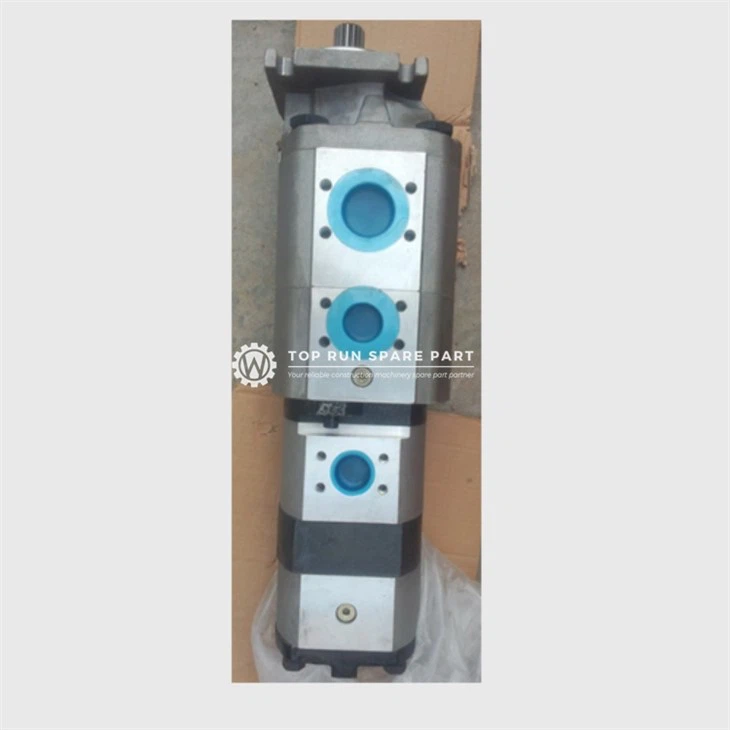
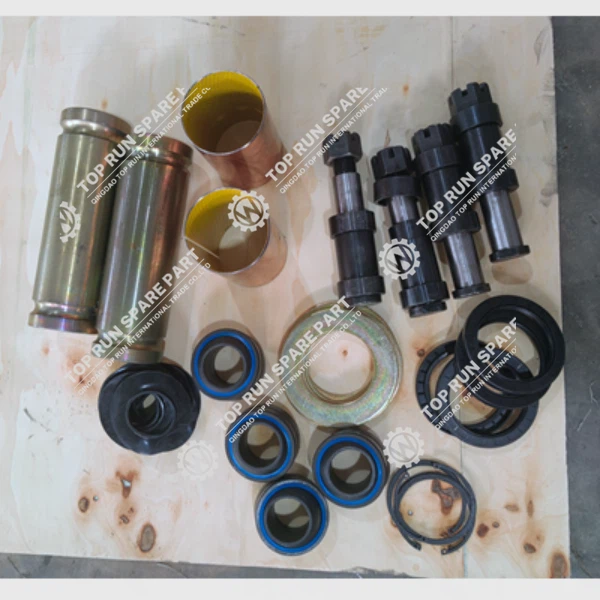
In addition to the speed sensor, our company also offers a wide range of other truck crane spare parts. For example, we have the Pressure Sensor 3200t0400s05er00/1021403254, which is crucial for monitoring the pressure within the crane's hydraulic system. Our Balance Beam Repair Kit Spare Parts can help you maintain the balance and stability of the crane. And if you need parts for the crane pump, we offer Crane Pump Parts to ensure the proper functioning of the hydraulic pump.
If you are interested in our truck crane gearboxes or any of the spare parts we offer, we encourage you to reach out to us for procurement and further discussions. Our team of experts is ready to assist you in finding the right solutions for your truck crane needs.
References
- Crane Service Manuals: These are the primary sources of information for the specific truck crane model, including the location of components, technical specifications, and testing procedures.
- Multimeter User Manual: Provides detailed instructions on how to use the multimeter for electrical testing.
- Diagnostic Scanner Manual: Offers guidance on using the diagnostic scanner to access and interpret sensor data in the truck crane's electronic control system.
Categories
QR Code


